5 Common Regression Bugs and How to Catch Them Early
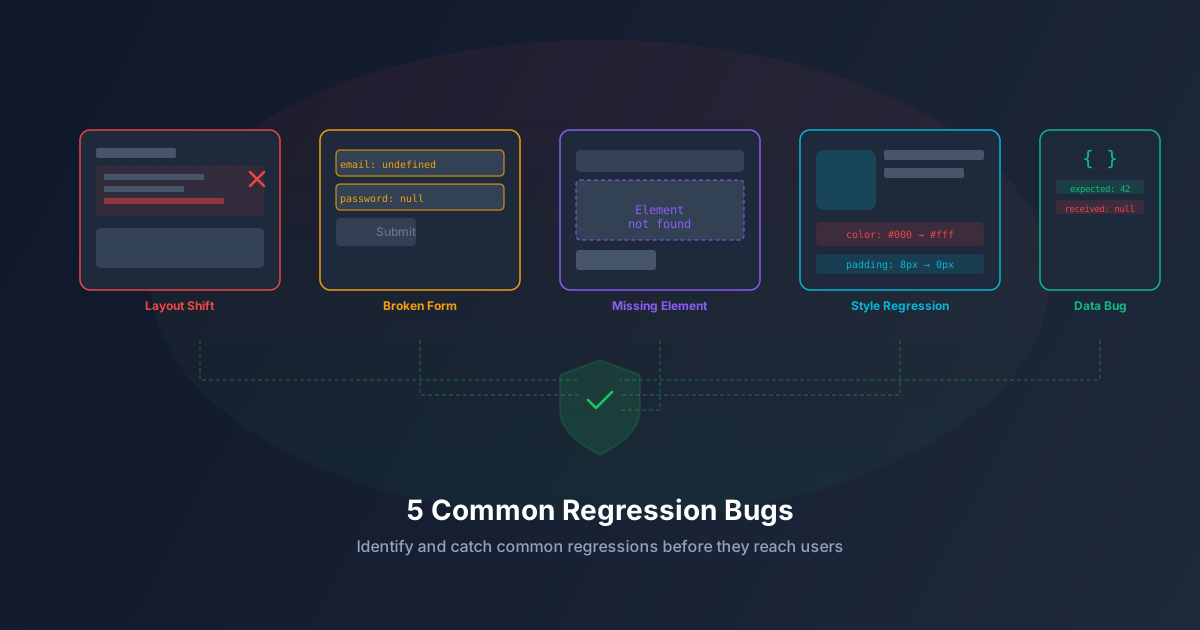
Regression bugs are among the most frustrating issues in software development. They represent functionality that used to work but broke due to a seemingly unrelated change. Unlike new bugs in new features, regressions erode user trust because they affect workflows that users already rely on.
Here are the five most common types of regression bugs and practical strategies to catch them before they reach production.
1. CSS and Layout Regressions
What happens: A CSS change in a shared stylesheet or component breaks the layout on unrelated pages. Buttons overlap, text becomes unreadable, or entire sections disappear.
Why it’s common: CSS is inherently global. Even with CSS modules or scoped styles, shared utility classes, theme variables, and inherited properties create invisible dependencies between components.
Real-world example: A developer changes .card { padding: 16px } to .card { padding: 24px }. The dashboard cards look great with the extra breathing room. But the same .card class is used in a compact sidebar widget where the extra padding causes text overflow and horizontal scrolling.
How to catch it:
- Visual regression testing captures screenshots before and after changes, highlighting pixel-level differences across all pages.
- Component-level visual tests catch regressions in shared components used in multiple contexts.
- Responsive testing at multiple viewport sizes catches layout issues that only appear on specific screen sizes.
2. API Contract Regressions
What happens: A backend change alters an API response format — renaming a field, changing a data type, or removing a field. The frontend code that depends on the original format breaks.
Why it’s common: Backend and frontend teams often work independently. A backend developer might rename user_name to username for consistency, not realizing the frontend destructures user_name in 15 different components.
Real-world example: An API endpoint changes its date format from 2024-01-15 to 2024-01-15T00:00:00Z. The frontend date parser that expected a simple date string now shows “Invalid Date” everywhere.
How to catch it:
- Contract tests validate API responses against a schema on every build.
- End-to-end tests that exercise the full frontend-to-backend flow catch integration breakages.
- API versioning prevents breaking changes from affecting existing clients.
3. State Management Regressions
What happens: A change to shared state (global store, context, or cache) causes unexpected behavior in components that depend on that state.
Why it’s common: Modern frameworks use centralized state management (Redux, Pinia, Zustand) where multiple components read from and write to the same state. Modifying the state shape or update logic can break consumers.
Real-world example: A developer adds a “loading” state to the user store to show a spinner during profile updates. But the navigation component also reads from the user store and now shows a spinner every time the user updates their profile — even though navigation has nothing to do with the profile update.
How to catch it:
- Integration tests that test components in combination, not just isolation.
- State snapshot testing that captures and compares store state at key points in user flows.
- Selector-level testing that verifies each component only receives the state it needs.
4. Performance Regressions
What happens: A code change causes pages to load slower, animations to stutter, or memory usage to spike. The application still works correctly but becomes noticeably sluggish.
Why it’s common: Performance is rarely tested explicitly. A developer adds an eager database join, an unnecessary re-render, or a large dependency — each individually small, but cumulatively impactful.
Real-world example: A developer adds a real-time search feature that queries the database on every keystroke without debouncing. With 10 concurrent users, the database query queue backs up and all page loads slow from 200ms to 3 seconds.
How to catch it:
- Performance budgets that fail CI/CD builds when page weight or load time exceeds thresholds.
- Lighthouse CI that tracks performance scores across deployments.
- Database query monitoring that flags new slow queries or N+1 patterns.
- Load testing that verifies performance under concurrent user scenarios.
5. Cross-Browser Regressions
What happens: A change works perfectly in the developer’s browser (usually Chrome) but breaks in Safari, Firefox, or mobile browsers.
Why it’s common: Browsers implement CSS and JavaScript features differently. A CSS property that’s fully supported in Chrome might need a vendor prefix in Safari or behave differently in Firefox.
Real-world example: A developer uses gap in a flexbox layout. It works in Chrome and Firefox, but older Safari versions (still used by millions of iPhone users) don’t support flexbox gap, causing elements to stack on top of each other.
How to catch it:
- Cross-browser visual testing captures screenshots in multiple browsers and compares them.
- Browser compatibility linting (e.g., Browserslist, eslint-plugin-compat) flags unsupported APIs at build time.
- Real device testing on actual mobile devices catches issues that emulators miss.
Building a Regression Safety Net
The most effective regression prevention strategy combines multiple testing layers:
- Visual regression tests catch CSS and layout changes across all pages.
- API contract tests prevent backend changes from breaking frontend code.
- Integration tests verify that components work together correctly.
- Performance monitoring detects speed degradation before users notice.
- Cross-browser testing ensures consistency across all target browsers.
No single testing approach catches everything. But layering these strategies creates a safety net that catches the vast majority of regressions before they reach your users.
Prevent regressions automatically with AegisRunner — visual regression testing, cross-browser validation, and AI-powered test generation in one platform.