Accessibility Testing: Why It Matters and How to Automate It
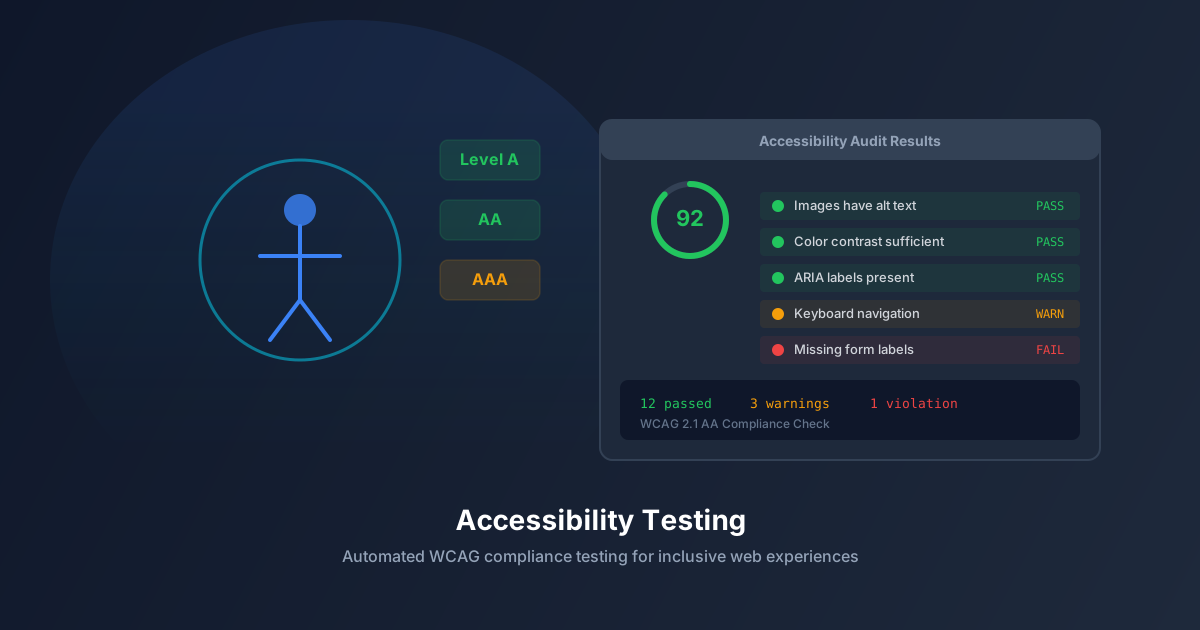
Over one billion people worldwide live with some form of disability. When your web application is inaccessible, you are excluding a significant portion of your potential users — and likely violating accessibility regulations like the ADA, WCAG, and EAA.
But accessibility testing doesn’t have to be a manual, time-consuming process. Modern tools can automate the majority of accessibility checks, catching violations before they reach production.
Why Accessibility Matters
Legal Compliance
Accessibility lawsuits have surged in recent years. In the US alone, over 4,000 ADA-related digital accessibility lawsuits were filed in 2023. The European Accessibility Act (EAA) takes effect in June 2025, requiring digital products and services to meet accessibility standards across the EU.
Business Impact
Accessibility isn’t just about compliance — it’s good business:
- Market size: People with disabilities control over $13 trillion in annual disposable income globally.
- SEO benefits: Accessible websites rank better in search engines because they have semantic HTML, descriptive alt text, and clear document structure — all factors Google rewards.
- Better UX for everyone: Accessibility improvements benefit all users. Keyboard navigation helps power users. High contrast helps users in bright sunlight. Captions help users in noisy environments.
Ethical Responsibility
The web was designed to be universal. Tim Berners-Lee said, “The power of the web is in its universality. Access by everyone regardless of disability is an essential aspect.” Building inaccessible websites goes against the fundamental purpose of the web.
Common Accessibility Issues
1. Missing Alternative Text
Images without alt attributes are invisible to screen readers. Every informative image needs descriptive alt text. Decorative images need alt="".
2. Poor Color Contrast
Text that doesn’t meet WCAG contrast ratios (4.5:1 for normal text, 3:1 for large text) is difficult or impossible to read for users with low vision or color blindness.
3. Missing Form Labels
Form inputs without associated <label> elements are unusable for screen reader users. Placeholder text is not a substitute for labels.
4. Keyboard Navigation Failures
All interactive elements must be reachable and operable via keyboard alone. Custom dropdowns, modals, and widgets that only work with mouse clicks exclude keyboard and switch device users.
5. Missing ARIA Attributes
Dynamic content updates (notifications, form errors, live data) need appropriate ARIA attributes (aria-live, role, aria-expanded) to be announced by screen readers.
6. Incorrect Heading Hierarchy
Skipping heading levels (h1 to h3 without h2) breaks document structure for screen reader users who navigate by headings.
Automating Accessibility Testing
What Can Be Automated
Automated tools can detect approximately 30-40% of WCAG violations, including:
- Missing alt text
- Color contrast failures
- Missing form labels
- Duplicate IDs
- Missing language attributes
- Invalid ARIA attributes
- Heading hierarchy issues
- Missing skip navigation links
- Focus management problems
What Requires Manual Testing
Some accessibility aspects require human judgment:
- Quality and relevance of alt text (tool can detect missing alt, but not whether “image.png” is a good description)
- Logical tab order (tool can check that focus moves, but not whether the order makes sense)
- Meaningful link text (tool can flag “click here” but can’t suggest better text)
- Screen reader announcement quality
- Cognitive accessibility and readability
Automation Tools and Techniques
Build-time checks:
- ESLint with jsx-a11y plugin flags accessibility issues in React/Vue components during development.
- TypeScript types can enforce required accessibility props.
Integration testing:
- axe-core can be integrated into your test suite to check rendered pages for WCAG violations.
- jest-axe makes it easy to add accessibility assertions to existing tests.
CI/CD integration:
- Run accessibility audits on every pull request to prevent new violations from being merged.
- Track accessibility scores over time to ensure continuous improvement.
Crawl-based auditing:
- Tools like AegisRunner crawl your entire application and check every page for accessibility violations automatically.
- This catches issues on pages that don’t have dedicated test coverage.
Building an Accessibility Testing Strategy
1. Establish a Baseline
Run an automated accessibility audit on your current application. Document all existing violations and prioritize them by severity (critical, major, minor).
2. Fix Critical Issues First
Focus on violations that completely block access: missing form labels, keyboard traps, missing alt text on essential images, and contrast failures on body text.
3. Prevent New Issues
Add accessibility checks to your CI/CD pipeline. New pull requests should not introduce new violations.
4. Conduct Manual Audits
Schedule quarterly manual accessibility audits using screen readers (NVDA, VoiceOver) and keyboard-only navigation. These catch issues that automation misses.
5. Include Users with Disabilities
The most valuable accessibility feedback comes from actual users with disabilities. Include them in your user testing program.
Accessibility Testing with AegisRunner
AegisRunner integrates accessibility testing directly into your crawl workflow:
- Automatic WCAG auditing: Every crawled page is checked against WCAG 2.1 AA standards.
- Issue categorization: Violations are categorized by severity and WCAG criterion.
- Actionable reports: Each issue includes the failing element, the rule violated, and specific guidance on how to fix it.
- Trend tracking: Monitor your accessibility score over time to ensure continuous improvement.
Make your application accessible to everyone. Start a free crawl with AegisRunner and get a comprehensive accessibility audit of your entire site.