API Testing Best Practices for 2026: Automation-First Guide
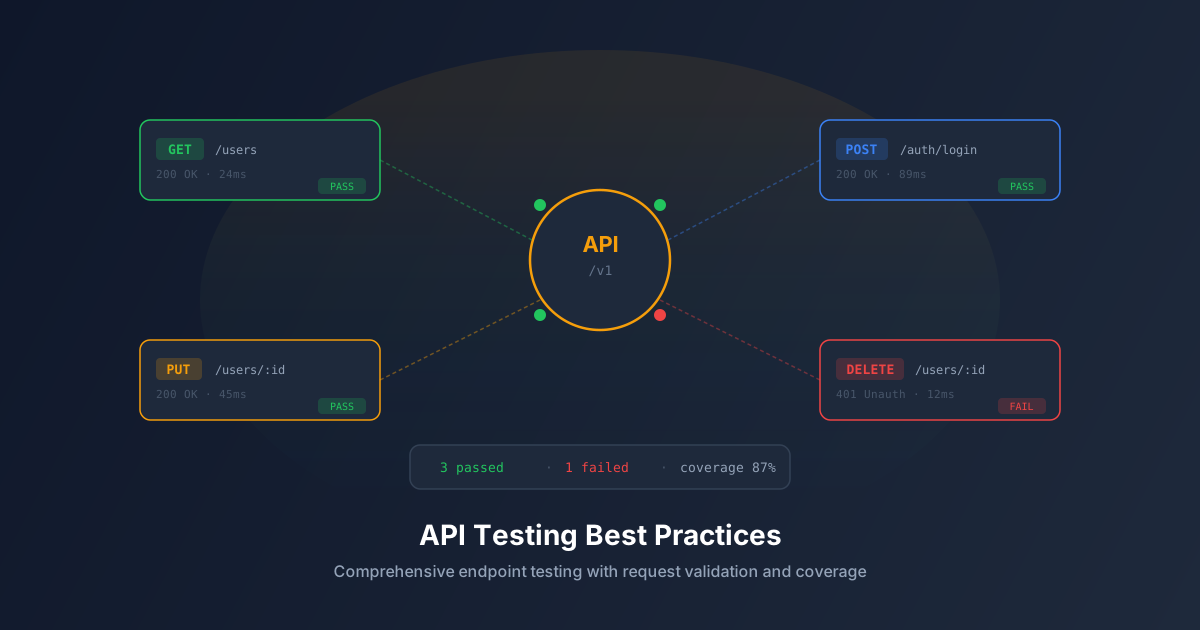
APIs are the backbone of modern web applications. Whether your frontend communicates with a REST API, GraphQL endpoint, or WebSocket server, the reliability of these interfaces determines the reliability of your entire application. Yet API testing is frequently an afterthought — teams invest heavily in UI testing while leaving API contracts largely unverified.
This guide covers essential API testing practices that help you build more reliable, maintainable, and secure web applications.
Why API Testing Matters
APIs represent the contract between your frontend and backend. When this contract breaks, everything breaks:
- Frontend rendering errors: A missing field in an API response causes a JavaScript error that crashes the page.
- Data integrity issues: An API that accepts malformed data corrupts your database.
- Security vulnerabilities: Endpoints without proper authentication expose sensitive user data.
- Performance degradation: Unoptimized API queries cause slow page loads that frustrate users.
API testing validates this contract systematically, catching issues before they cascade into user-facing problems.
Essential API Testing Categories
1. Contract Testing
Contract testing verifies that API responses match the expected schema — correct field names, data types, and structures.
What to test:
- Response status codes (200, 201, 400, 401, 404, 500)
- Response body structure and field types
- Required vs. optional fields
- Pagination format consistency
- Error response format standardization
Example:
GET /api/users/123
Expected: { id: string, email: string, name: string, createdAt: ISO8601 }
Test: Verify response contains all required fields with correct types
Test: Verify unknown user returns 404 with { error: string } format
Test: Verify unauthorized request returns 401
2. Input Validation Testing
APIs must validate every input parameter. Testing validates that the API correctly rejects invalid input.
What to test:
- Empty/null required fields
- Invalid data types (string where number expected)
- Boundary values (min/max lengths, numeric ranges)
- Special characters and encoding (UTF-8, emoji, HTML entities)
- SQL injection payloads
- XSS payloads in text fields
3. Authentication and Authorization Testing
Security testing ensures that APIs properly enforce access controls.
What to test:
- Requests without authentication tokens return 401
- Expired tokens are rejected
- Users cannot access other users’ data
- Role-based permissions are enforced (admin vs. regular user)
- Rate limiting prevents brute force attacks
4. Error Handling Testing
APIs should fail gracefully with informative error messages.
What to test:
- Database connection failures return 500 (not stack traces)
- Invalid JSON body returns 400 with clear message
- Concurrent modification conflicts return 409
- Rate limit exceeded returns 429 with retry-after header
- Large payload returns 413
5. Performance Testing
API response times directly impact user experience.
What to test:
- Response time under normal load (p50, p95, p99)
- Response time under peak load
- Database query efficiency (no N+1 queries)
- Payload size optimization (no over-fetching)
- Caching behavior (appropriate cache headers)
API Testing Automation Strategy
Layer Your Tests
- Unit tests: Test individual API handlers in isolation with mocked dependencies.
- Integration tests: Test API endpoints against a real database with seeded test data.
- Contract tests: Verify API responses match documented schemas.
- End-to-end tests: Test complete user flows that span multiple API calls.
Automate in CI/CD
Run API tests on every pull request. Include:
- Contract validation against OpenAPI/Swagger spec
- Integration tests with a dockerized test database
- Performance benchmarks with baseline comparison
Monitor in Production
Automated testing doesn’t stop at deployment:
- Health check endpoints for uptime monitoring
- Response time tracking with alerting on degradation
- Error rate monitoring with automatic incident creation
Common API Testing Mistakes
1. Only Testing Happy Paths
If your tests only verify successful requests, you have no confidence in error handling. Test failure modes as thoroughly as success modes.
2. Hardcoding Test Data
Tests that depend on specific database records are brittle. Use test fixtures that set up and tear down their own data.
3. Ignoring Response Headers
Headers like Cache-Control, Content-Type, X-RateLimit-Remaining, and CORS headers are part of the API contract. Test them.
4. Testing Implementation Instead of Behavior
Don’t assert on internal database state. Assert on API responses. This makes your tests resilient to refactoring.
Want to automate your API testing? AegisRunner crawls your application, discovers API endpoints, and generates comprehensive tests automatically.