Stop Chasing CSS Classes: The Magic of Text-Based Selectors
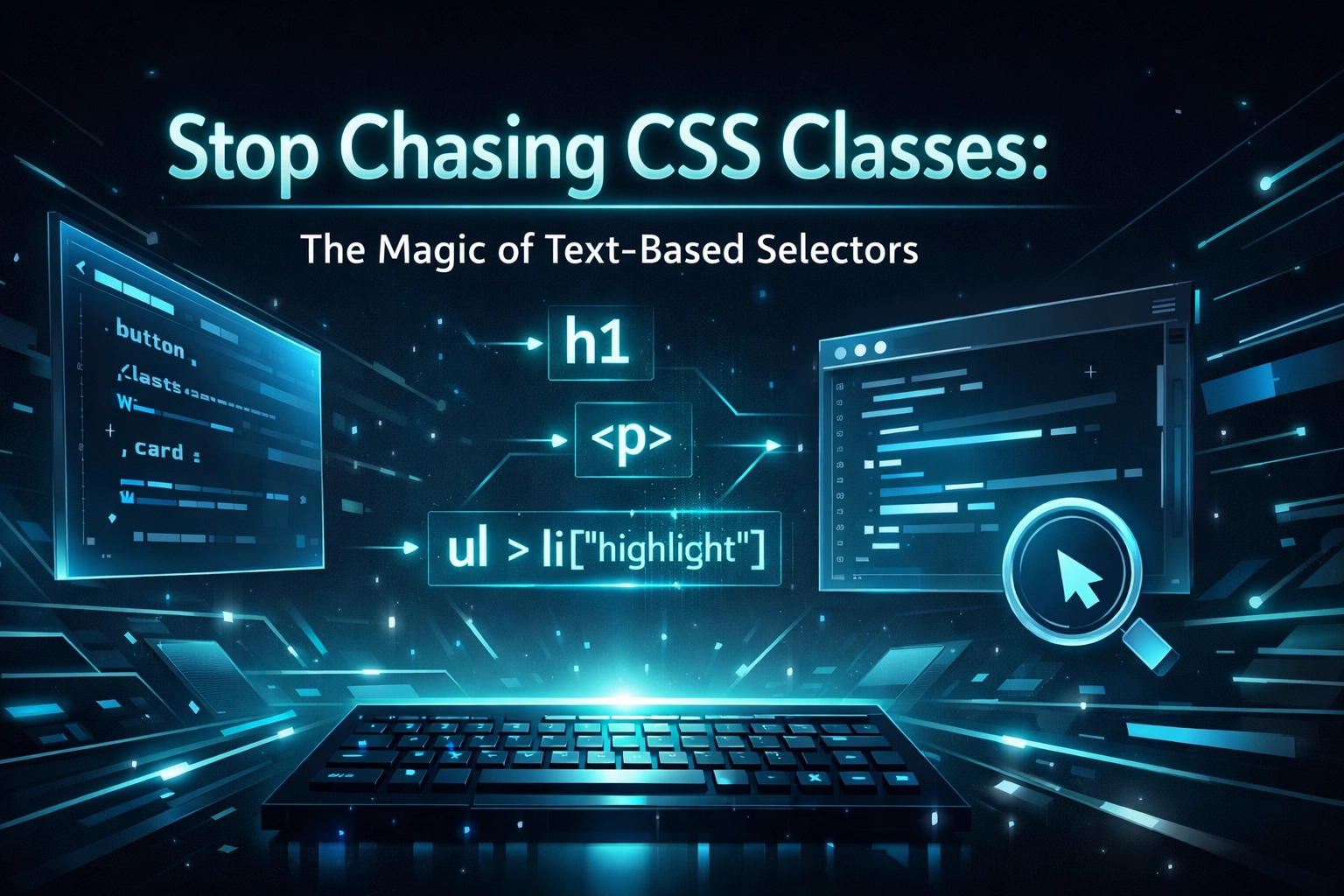
Your CI/CD pipeline just turned red. Again. You check the logs. A simple regression test failed because a developer changed a button color. The logic didn’t break. The API is fine. The database is healthy. But your automated test couldn’t find the Submit button because its class changed from bg-blue-500 to bg-indigo-600.
This is the Maintenance Tax. It is the hidden cost of traditional automated testing. Most tools rely on fragile CSS selectors or complex XPath strings. When your UI changes, your tests break. You spend more time fixing selectors than shipping features.
At AegisRunner, we took a different approach. We moved away from brittle technical identifiers. We built an engine that prioritizes text-based and semantic selectors.
The Problem with Traditional Selectors
Most automation frameworks encourage you to target elements using technical attributes. You use .btn-primary, #login-submit, or div > span:nth-child(2). This works in a static environment. It fails in a modern development workflow.
The Tailwind Trap
Modern utility-first CSS frameworks like Tailwind have revolutionized styling. They have also made traditional testing a nightmare. In a Tailwind project, a button doesn’t have a semantic class name. It has a string of utility classes: flex items-center justify-center px-4 py-2 border border-transparent text-sm font-medium rounded-md text-white bg-indigo-600 hover:bg-indigo-700 focus:outline-none.
If a designer changes the padding or the hover state, the class string changes. If your test relies on that string, it dies. You are forced to add custom data-testid attributes to every single element. This adds friction to your development process and bloats your DOM.
Dynamic IDs and Obfuscation
If you use React, Angular, or Vue, your framework might generate dynamic IDs. A selector like #button-12345 might become #button-67890 after the next build. Some build tools even obfuscate class names for production. Your .login-form becomes .a7b9c. Traditional testing tools cannot survive this level of volatility.

XPath: The Fragile Bridge
When CSS selectors fail, many engineers turn to XPath. They use absolute paths to navigate the DOM tree. This is even more dangerous.
An absolute XPath looks like this: /html/body/div[1]/section/div/div[2]/form/button.
If you wrap that form in a new div for layout purposes, the path changes. The test fails. You are essentially testing the structure of your HTML, not the functionality of your application. Your users don’t care if a button is inside two divs or three. They only care that the button says “Submit” and performs the correct action.
The Human Way: Intent Over Implementation
Think about how a manual QA tester finds a button. They don’t inspect the source code to find a class name. They look at the screen. They see a button that says “Add to Cart”. They click it.
This is Intent-Based Testing.
AegisRunner uses AI to mimic this human behavior. Our system analyzes the visual and semantic layer of your application. Instead of looking for .btn-large-green, we look for an element that functions as a button and contains the text “Add to Cart”.
Why Text-Based Selectors Win
Text is the most stable element of your UI. You might change the font, the color, the size, or the position of a button. But the text “Sign Up” usually stays the same. By targeting the text, your tests become resilient to design changes.

How AegisRunner Redefines Stability
We don’t just “find some text.” We use a multi-factor identification system to ensure your tests are rock-solid.
1. Semantic Awareness
Our AI understands HTML semantics. It knows the difference between a <div> that looks like a button and an actual <button> element. It checks for ARIA roles, labels, and titles. If a button has an icon instead of text, AegisRunner looks for the aria-label or the alt text. This ensures accessibility is baked into your testing strategy. Check out our Features to see how this works in real-time.
2. Contextual Analysis
What if you have two buttons that say “Delete”? A traditional text selector might get confused. AegisRunner’s AI looks at the surrounding context. It identifies that one “Delete” button is inside a “User Profile” card and the other is in the “Settings” menu. It uses this spatial relationship to pick the right one every time.
3. Automatic Self-Healing
When AegisRunner executes a test, it captures a snapshot of the element’s properties. If a developer changes the text from “Purchase” to “Buy Now”, our AI doesn’t just fail. It analyzes the change. It sees that the element is in the same location, has the same function, and is the only primary action on the page. It realizes it’s the same button and updates the test definition automatically.
Resilience in Action: A Real-World Example
Imagine you are testing a checkout flow.
Scenario A: The Old Way
Your test script targets button.css-152ksja. The developer refactors the component. The auto-generated class name changes to button.css-92jsna. Your nightly build fails. You spend 30 minutes debugging, updating the script, and re-running the pipeline.
Scenario B: The AegisRunner Way
Your test targets the text “Complete Purchase”. The developer changes the button color, moves it from the left side to the right side of the screen, and wraps it in a new container for mobile responsiveness. AegisRunner finds “Complete Purchase”. The test passes. You spend 0 minutes on maintenance.

The Playwright Advantage
We know that many teams rely on industry-standard tools like Playwright for their CI/CD pipelines. We don’t want to lock you into a proprietary ecosystem.
AegisRunner allows you to export your autonomous tests as Playwright scripts. Even better, the selectors we generate for these scripts are optimized for stability. We use semantic locators like getByRole and getByText rather than brittle CSS paths. This gives you the best of both worlds: AI-driven discovery and developer-friendly code.
Explore our Docs to see how to integrate these scripts into your workflow.
The ROI of Stable Selectors
Reducing test maintenance isn’t just about saving developer time. It’s about Confidence.
- Faster Release Cycles: Stop waiting for QA to fix broken tests. Ship when the code is ready.
- Lower Costs: Engineering hours are expensive. Spending them on selector maintenance is a waste of capital.
- Better Coverage: When you aren’t fighting your tools, you can write more tests. You can cover more edge cases and improve overall software quality.
Stop Writing, Start Automating
The era of manual selector targeting is over. You shouldn’t have to be a DOM expert to write an automated test. You should be able to describe what your application does and let the machine handle the implementation details.
AegisRunner’s AI-powered engine discovers your application automatically. It navigates through your flows, identifies key actions, and builds a suite of resilient tests based on what your users actually see.
Ready to stop chasing CSS classes?
- See it in action: Watch our Live Demos.
- Try it yourself: Register for free and run your first crawl today.
Your tests should work for you, not the other way around. Switch to text-based, semantic selectors and experience the magic of truly stable automation.

Summary of Benefits
- Framework Agnostic: Works with the rendered UI of Tailwind, Bootstrap, React and other frameworks, subject to reachable controls and app access.
- Lower Maintenance: Semantic locators can reduce fragility during UI refactors; changed controls and behavior still need review.
- Accessible: Encourages the use of semantic HTML and ARIA labels.
- Developer Friendly: Export clean Playwright code for your CI/CD.
Automated software testing is evolving. Don’t get left behind fixing broken XPaths. Focus on your product. Let AegisRunner handle the rest.
For more information on how we handle complex web applications, visit our Blog or Contact our team.