How to Automate Accessibility Testing (Without Slowing Down Your Dev Team)
Your QA team just caught 47 accessibility violations two days before launch.
Color contrast fails. Missing alt text. Keyboard navigation broken on the checkout flow. Now you’re scrambling to fix WCAG 2.1 AA compliance issues while your PM breathes down your neck about the release date.
Sound familiar?
Accessibility testing shouldn’t be a last-minute panic. It shouldn’t require dedicated QA cycles or specialized expertise. And it definitely shouldn’t slow down your dev velocity.
Here’s how to automate accessibility testing automation without adding friction to your workflow.
The Manual Accessibility Testing Trap
Most teams handle accessibility one of two ways:
Option 1: Wait until the end of the sprint and run manual audits with screen readers and keyboard-only navigation. This catches issues late when fixes are expensive.
Option 2: Add dedicated accessibility testing tools that create separate test suites. Now you’re maintaining two parallel testing workflows.
Both approaches have the same problem: they treat accessibility as a separate concern instead of integrating it into your existing quality checks.
Your developers already run regression tests. Why not catch accessibility violations at the same time?
The Problem with Most Automated A11y Tools
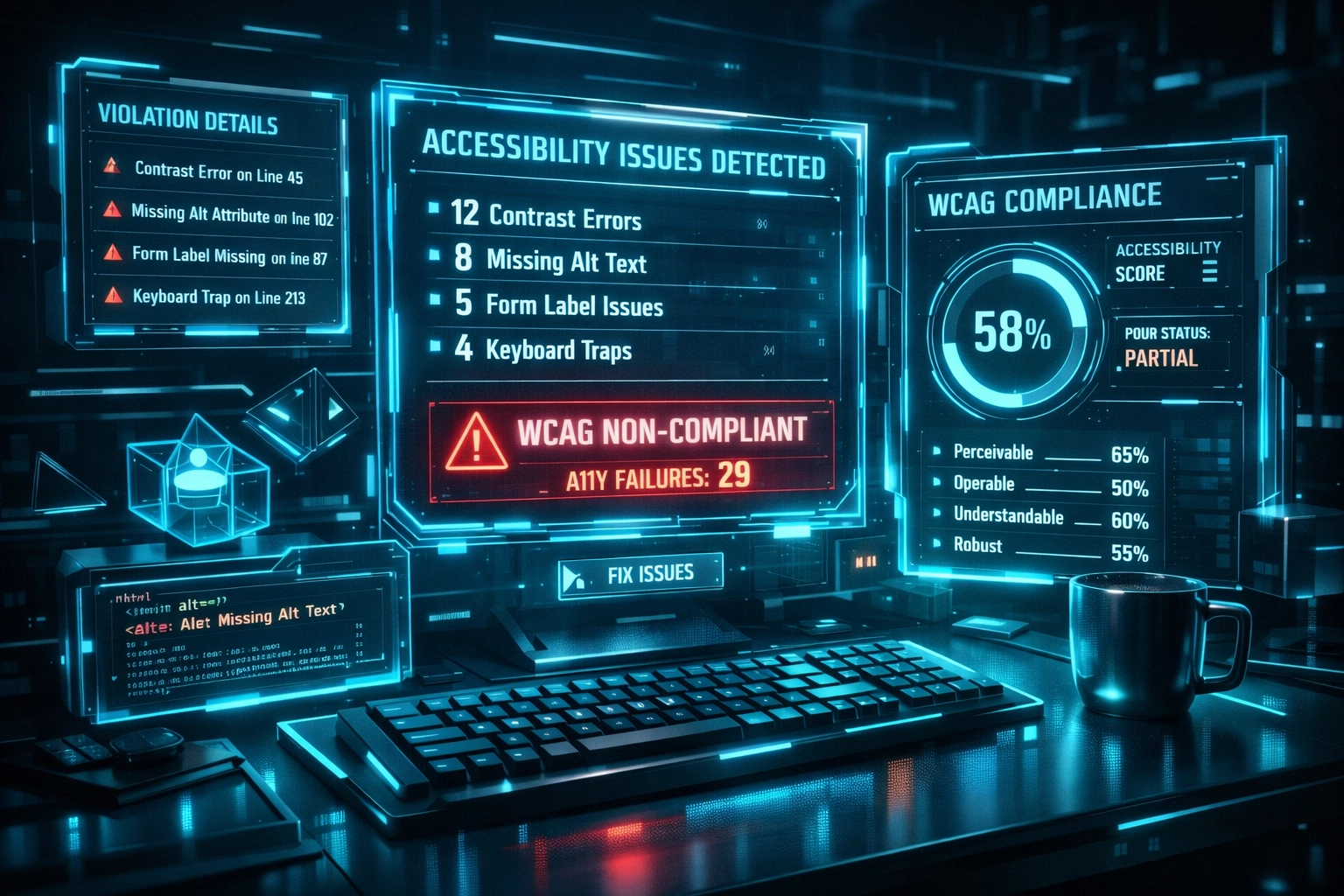
Generic accessibility testing tools create their own headaches:
- False positives that waste hours investigating non-issues
- Slow execution times that bottleneck CI/CD pipelines
- Noisy reports that bury critical violations under minor warnings
- Requires accessibility expertise to interpret results and prioritize fixes
You end up with another tool to maintain, another dashboard to check, and another reason your build pipeline takes 45 minutes instead of 10.
Embed Accessibility Checks in Your Existing Tests
The most efficient approach? Reuse your current testing infrastructure.
If you’re already running end-to-end tests with Selenium, Playwright, or Cypress: add accessibility checks to those same test runs. Tools like axe-core integrate directly with popular testing frameworks without creating separate suites.
This approach delivers immediate benefits:
- Run accessibility checks at every stage of development
- Catch violations before code reaches staging
- No separate test maintenance overhead
- Results arrive in minutes, not days
- Minimal accessibility knowledge required to interpret findings
Your existing regression suite already navigates your application. Let it scan for accessibility issues while it’s there.
How AegisRunner’s AI Page Analysis Works
AegisRunner takes this integration one step further.
Our AI-powered crawler automatically analyzes every page it visits during regression testing cycles. No separate configuration. No additional test scripts. Just turn on accessibility scanning and get actionable recommendations.
Here’s what happens:
Automatic page discovery: The AI crawler navigates your application like a real user: clicking buttons, filling forms, triggering modals. It discovers pages your manual tests might miss.
Built-in accessibility analysis: Every page gets scanned for WCAG 2.1 AA violations during the same regression run. Color contrast issues, missing ARIA labels, keyboard navigation problems: all flagged automatically.
Actionable recommendations: Get specific fix suggestions, not just error codes. “Button at line 247 missing accessible name” beats “generic ARIA violation” every time.
Lower setup overhead: No separate test suite to maintain. Review coverage and findings as your UI changes. Accessibility checks happen alongside your functional regression tests.

What Gets Caught Automatically
AegisRunner’s AI Page Analysis flags common accessibility violations that plague modern web applications:
- Missing or inadequate alt text on images and icons
- Insufficient color contrast ratios for text and interactive elements
- Form inputs without associated labels
- Missing ARIA attributes on custom components
- Keyboard navigation traps and focus management issues
- Heading hierarchy violations that break screen reader navigation
- Interactive elements without accessible names
These violations account for the majority of accessibility issues development teams face. Catching them during automated regression testing prevents last-minute compliance scrambles.
The Speed Advantage
Traditional accessibility audits take days or weeks. Manual testing with assistive technologies requires specialized expertise and careful attention.
Automated accessibility testing delivers results in minutes.
Your CI/CD pipeline already runs regression tests on every pull request. Adding accessibility analysis adds seconds to execution time: not hours.
Quick feedback loops mean developers fix violations immediately instead of context-switching back to week-old code. Fresh in their minds, fresh in their IDE, fresh fix.
Balance Automation with Human Judgment
Automated accessibility testing catches some issues that can be checked programmatically. That’s significant, but it’s not complete coverage.
Some accessibility problems require human judgment:
- Screen reader usability and announcement quality
- Logical reading order and information hierarchy
- Context-appropriate alternative text
- Cognitive load and comprehension challenges
- Complex interaction patterns with assistive technologies
Slack’s accessibility team demonstrates the right balance: automated tools like Axe catch violations during development while dedicated accessibility reviews and user testing with people with disabilities validate the actual experience.

Use automation to catch the obvious issues. Save human expertise for nuanced problems that require context and judgment.
Choosing the Right WCAG Conformance Level
Most teams target WCAG 2.1 Level AA compliance. It balances thoroughness with practicality.
Level A covers basic accessibility requirements but misses common issues that impact real users.
Level AA includes the criteria most legislation and corporate policies require. It catches the majority of accessibility barriers users face.
Level AAA sets the highest bar but includes criteria that aren’t always practical for all content types.
Configure your automated accessibility testing to match your compliance target. Don’t waste time investigating Level AAA violations if your requirement is Level AA.
Minimize False Positives
Nothing kills team buy-in faster than false positives.
When your automated accessibility testing flags issues that aren’t actually problems: or flags the same decorative image 500 times: developers stop trusting the results.
Choose tools configured to reduce noise:
- Understand context (decorative vs. informative images)
- Recognize common patterns (hamburger menus, modal dialogs)
- Prioritize violations by severity and user impact
- Deduplicate similar issues across pages
AegisRunner’s AI analysis learns your application’s patterns and reduces false positives by understanding context. A loading spinner doesn’t need an accessible name. A submit button does.
Integration with Your Stack
Accessibility testing automation works best when it fits your existing tools and workflows.
AegisRunner integrates with popular frameworks and CI/CD platforms:
- React, Vue, Angular SPAs
- Next.js and server-rendered applications
- GitHub Actions, GitLab CI, Jenkins pipelines
- Slack notifications for violation alerts
- Webhook integrations for custom workflows
No dedicated accessibility testing environment. No separate dashboards to check. Violations surface where your team already works.
Track Progress Over Time
Accessibility isn’t a one-time checkbox: it’s an ongoing practice.
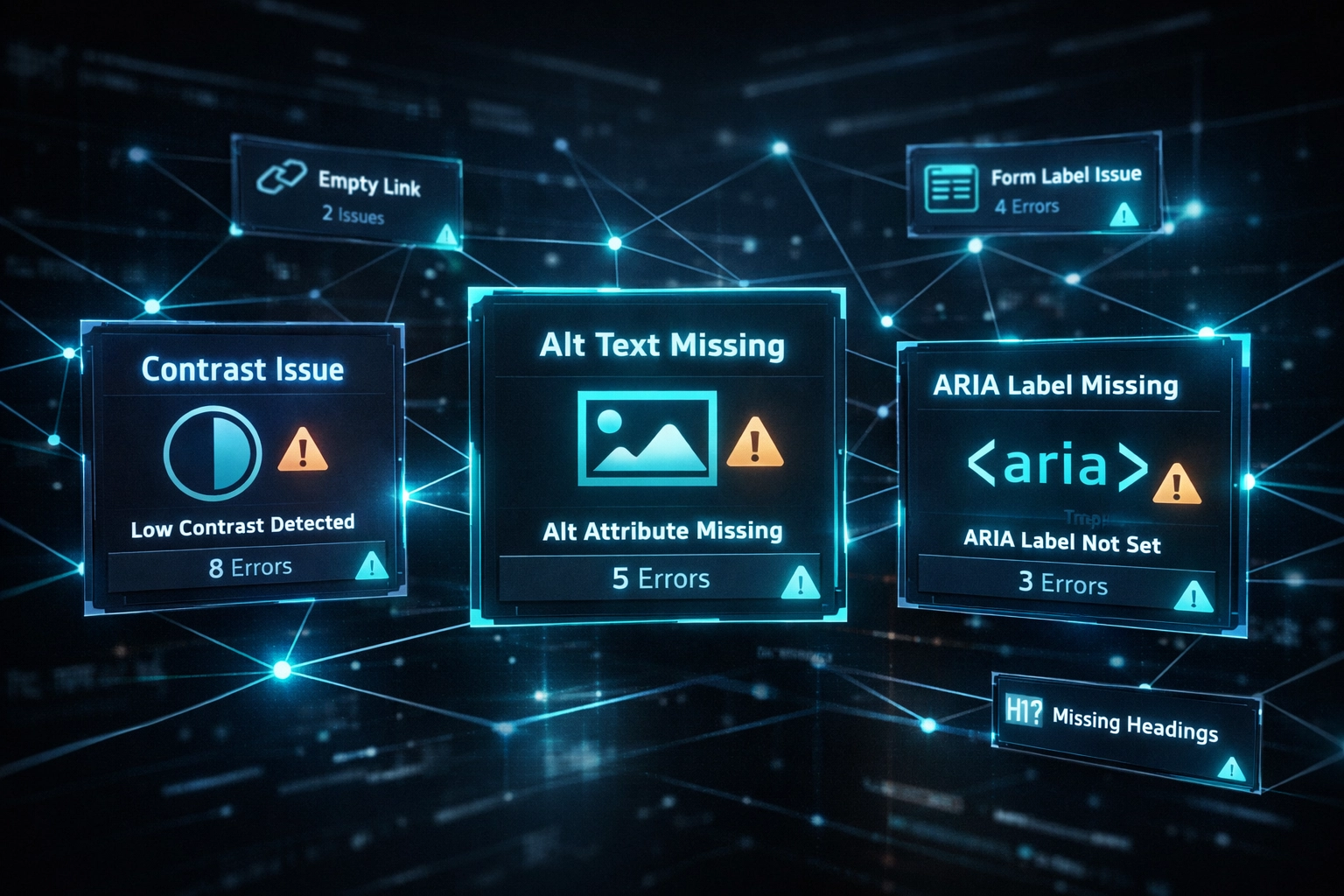
Track your accessibility violation count over time. Watch it decrease sprint by sprint as your team catches issues earlier.
Monitor which types of violations occur most frequently. Missing alt text? Add linting rules. Color contrast failures? Update your design system.
Automated accessibility testing provides data that drives process improvements.
Get Started Without Slowing Down
Adding accessibility testing to your workflow takes minutes, not weeks.
With AegisRunner:
- Point the AI crawler at your application
- Enable accessibility analysis in your test configuration
- Run your first automated scan
- Review flagged violations and prioritize fixes
- Integrate checks into your CI/CD pipeline
No specialized accessibility expertise required. No separate test suite to maintain. Just better quality checks during the regression testing you’re already running.
Start catching accessibility violations before they reach production. Your compliance team will thank you. Your users will benefit. And your developers won’t slow down.
See how AegisRunner works or create an account to configure an accessibility-enabled scan.