Getting Started with AI-Powered Test Generation
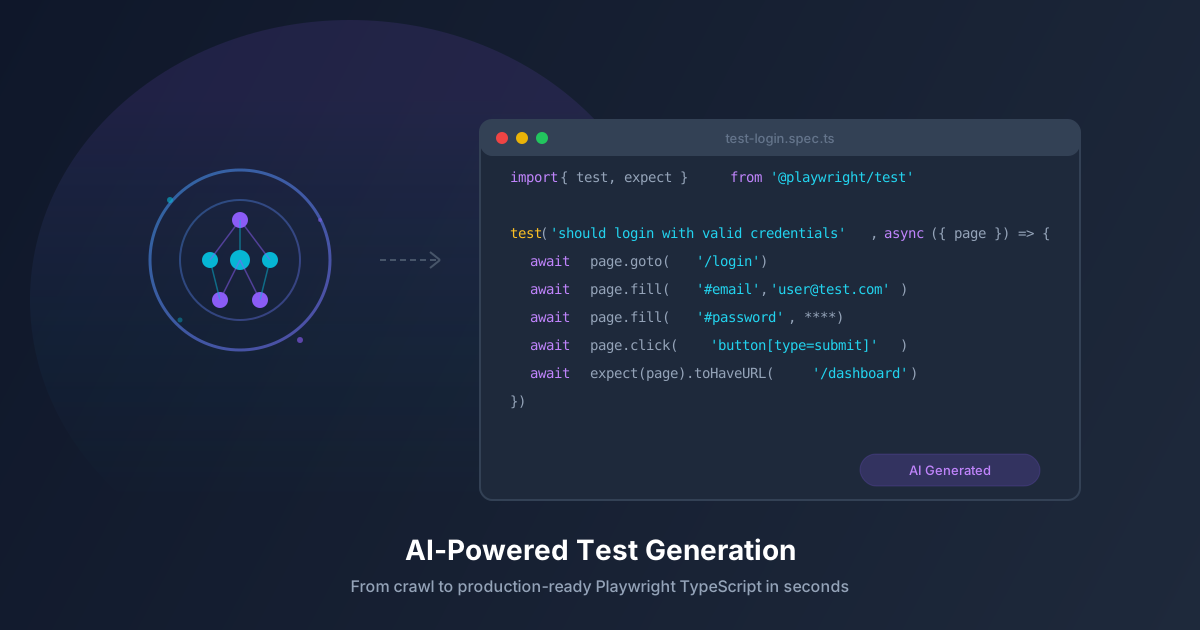
Writing test cases is one of the most time-consuming parts of software development. For every feature you build, you need to think about happy paths, edge cases, error handling, accessibility, and cross-browser compatibility. What if AI could handle the heavy lifting?
AI-powered test generation analyzes your live application — its pages, forms, interactions, and states — and automatically creates comprehensive test cases tailored to your specific UI.
The Problem with Manual Test Writing
Manual test creation has several fundamental challenges:
- Time-intensive: Writing thorough test cases for a single form can take hours. Multiply that across dozens of pages, and testing becomes a bottleneck.
- Inconsistent coverage: Humans naturally focus on happy paths and forget edge cases. Input validation, error states, and accessibility checks are often overlooked.
- Maintenance burden: When the UI changes, tests break and need updating. The cost of maintaining a large test suite can exceed the cost of writing it.
- Knowledge gaps: Not every developer is a testing expert. Junior developers often write tests that pass but don’t actually verify meaningful behavior.
How AI Test Generation Works
AI-powered test generation follows a systematic process:
Step 1: Crawl and Discover
The AI crawls your web application, discovering pages, forms, buttons, navigation elements, and interactive components. It builds a comprehensive map of your application’s structure and user flows.
Step 2: Analyze Page Context
For each page, the AI analyzes the DOM structure, form fields, validation rules, error messages, and visual hierarchy. It understands that a field labeled “Email” expects an email format, and a “Password” field has minimum length requirements.
Step 3: Generate Test Cases
Based on its analysis, the AI generates test cases covering:
- Happy path flows: Completing forms with valid data, navigating between pages, and verifying expected outcomes.
- Validation testing: Submitting empty fields, invalid formats, boundary values, and special characters.
- Error handling: Verifying that appropriate error messages appear and that the UI recovers gracefully.
- Accessibility checks: Ensuring form labels, ARIA attributes, keyboard navigation, and screen reader support are correct.
- Cross-state testing: Testing how components behave in different states (loading, empty, error, success).
Step 4: Refine and Organize
The generated tests are organized into logical test suites, prioritized by risk, and formatted with clear descriptions that humans can review and understand.
What Makes AI-Generated Tests Different
Contextual Understanding
Unlike template-based test generators that produce generic assertions, AI understands the context of your application. It knows that a login form needs tests for invalid credentials, account lockout, and “remember me” functionality — not just “field exists” checks.
Comprehensive Edge Cases
AI systematically generates edge cases that humans routinely miss: SQL injection patterns in search fields, XSS payloads in comment boxes, extremely long inputs, Unicode characters, and empty string submissions.
Adaptive Coverage
As your application evolves, AI can re-analyze changed pages and generate updated tests that reflect new features, modified forms, or restructured navigation.
Getting Started with AegisRunner
AegisRunner’s AI test generation works in three simple steps:
- Add your project — Enter your application’s URL and configure authentication if needed.
- Run a crawl — AegisRunner discovers all pages, forms, and interactive elements automatically.
- Generate tests — Click “Generate Tests” and the AI creates a complete test suite in seconds, organized by page and priority.
You can review each generated test case, edit the steps, adjust selectors, and add custom assertions. Once approved, tests run automatically on every code change through CI/CD integration.
Measure Results on Your Application
Compare a representative workflow before and after adding AI-generated tests:
- Time spent authoring and reviewing useful cases
- Critical behaviors actually exercised, rather than raw case counts
- Maintenance hours and unresolved failures
- Defects found before release and the evidence needed to investigate them
These are evaluation measures, not promised customer outcomes.
Best Practices
- Review generated tests: AI-generated tests are a starting point. Review them for relevance and accuracy before adding them to your CI/CD pipeline.
- Customize selectors: If your application uses dynamic IDs, update selectors to use more stable attributes like data-testid or aria-label.
- Add business logic tests: AI excels at UI-level testing but may miss business-specific validation rules. Supplement with targeted manual tests.
- Re-generate after major changes: After significant UI redesigns, re-run the AI generator to create tests that match the new interface.
Stop spending days writing tests manually. Try AegisRunner and generate comprehensive test suites with AI in minutes.