How to Choose the Best AI Regression Testing Tool (Compared)
You’ve got 400 tests that break every time someone changes a CSS class. Your CI/CD pipeline runs for two hours because regression tests crawl through every browser combination. Your team spends more time fixing tests than writing features.
Sound familiar?
Choosing the right AI regression testing tool isn’t just about features. It’s about how fast you can start, how much maintenance you’ll actually do, and whether your tests survive UI changes without constant babysitting.
Here’s how to evaluate your options without getting lost in marketing fluff.
The Two Types of AI Testing Tools You’ll Encounter
AI regression testing tools split into two camps.
AI-assisted tools help you create and maintain tests with AI support. Think Autify, TestRigor, Reflect. You’re still driving, AI just makes the road smoother. You write tests (often in plain English), and AI handles some of the tedious parts like element detection or self-healing when selectors break.
Autonomous AI tools operate more independently. Tools like Meticulous or ProdPerfect watch your application, generate tests automatically, and run them without much human intervention. Less configuration upfront, but also less control over what gets tested.
Neither approach is universally better. AI-assisted tools give you precision and control. Autonomous tools get you running faster but might test things you don’t care about or miss edge cases you know matter.
Speed Matters More Than You Think
How long does your regression suite take to run?
If the answer is “hours,” you’ve already identified your first evaluation criteria. Speed isn’t just convenience, it’s the difference between catching bugs before merge versus discovering them three deploys later.
Modern AI regression testing tools execute full UI test suites across multiple browsers in minutes, not hours. LambdaTest cut execution time from hours to a fraction by parallelizing tests and using AI to detect changes intelligently rather than running every pixel comparison.
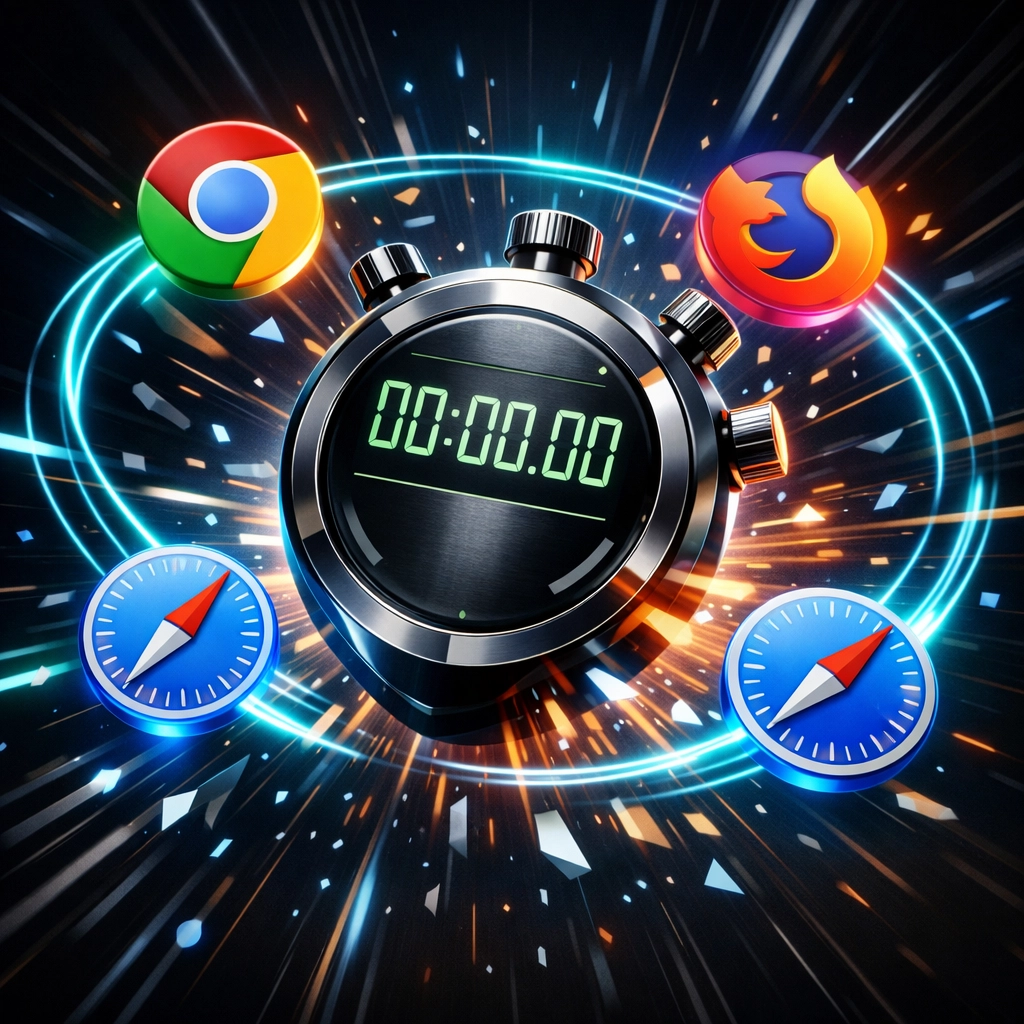
Ask potential vendors: How fast can you run 500 tests across Chrome, Firefox, and Safari?
The answer reveals whether they actually parallelize execution or just run tests sequentially with a fancy dashboard.
Setup Time: Minutes vs. Weeks
Some tools require weeks of configuration before your first test runs.
You need to install dependencies. Configure test environments. Write boilerplate code. Set up selectors manually. Integrate with your CI/CD pipeline. Train team members on the framework.
Other tools work out of the box.
AegisRunner falls into the second category. Point it at your staging URL. It crawls your application, discovers user flows automatically, and generates tests in minutes. No SDK installation. No configuration files. No training sessions for your QA team.
The setup question to ask: Can I run my first regression test within 15 minutes of signing up?
If the answer involves documentation links, Slack communities, or “it depends on your tech stack,” that’s a red flag.
Framework Agnosticism: Why It Actually Matters
Your application runs on React today. Next year, you might rebuild a section in Vue. The year after that, who knows, maybe HTMX makes a comeback.
Your regression testing tool shouldn’t care.
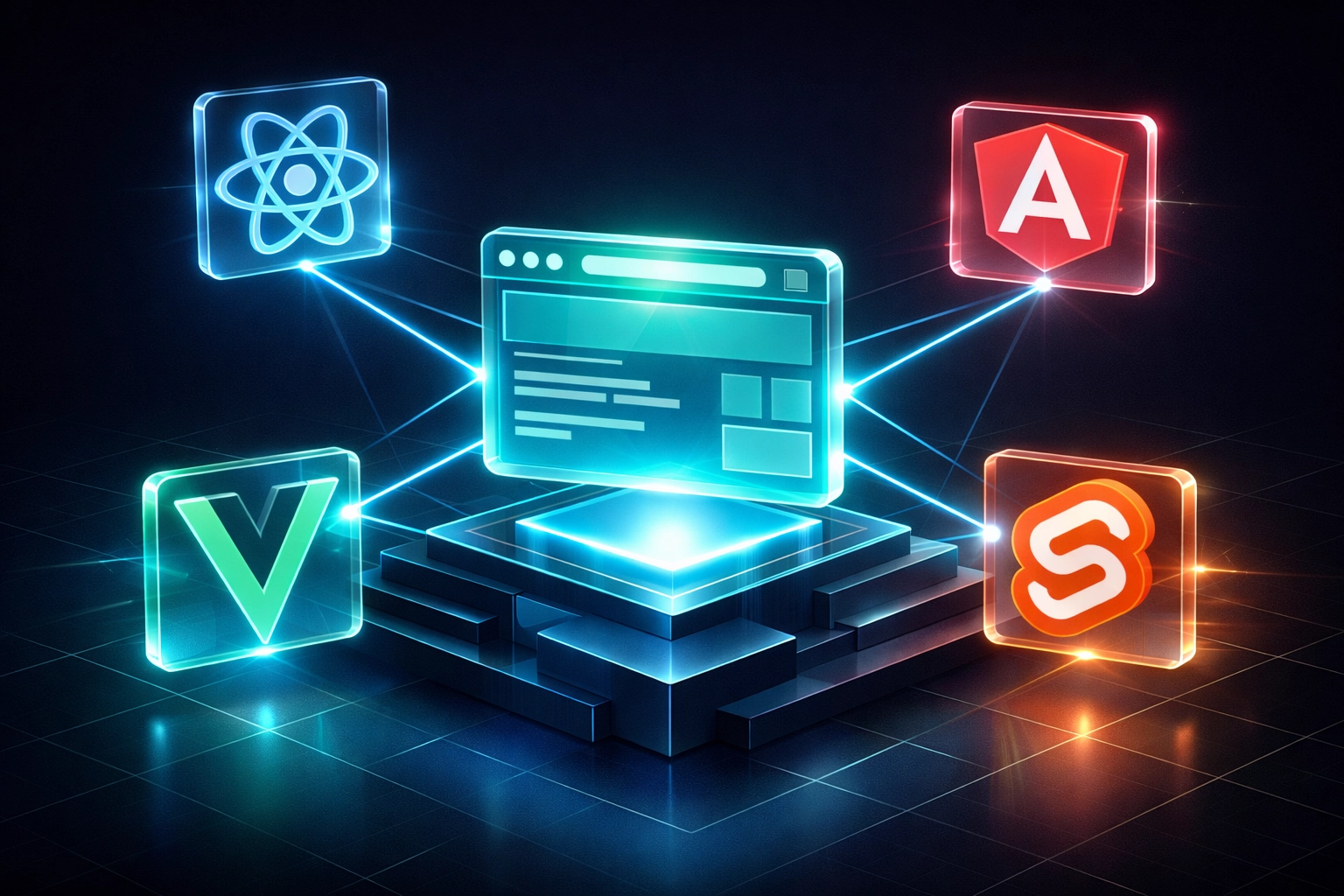
Framework-agnostic tools test at the browser level, not the code level. They interact with your application exactly like a user would, clicking buttons, filling forms, navigating pages. Whether your frontend uses React, Angular, Vue, Svelte, or vanilla JavaScript becomes irrelevant.
AegisRunner doesn’t care what framework you use. It doesn’t inject code into your application. It doesn’t require special test IDs or data attributes. Point it at any web application and it works.
The framework question to ask: Do I need to modify my application code to make this tool work?
If yes, you’re signing up for maintenance debt.
Exportable Code: Your Exit Strategy
Lock-in is real.
Some AI testing platforms trap your tests inside proprietary systems. You can’t export them. You can’t run them locally. If you ever want to switch tools or move to an in-house solution, you’re starting from scratch.
Better tools export to standard formats: particularly Playwright scripts.
Playwright has become the industry standard for browser automation. It’s fast, reliable, and actively maintained by Microsoft. If your AI regression testing tool can export to Playwright, you maintain flexibility.
AegisRunner generates clean, readable Playwright code. Every test can be exported. You can run them in your own CI/CD pipeline. You can modify them manually if needed. You’re never locked in.
The portability question to ask: Can I export my tests as Playwright scripts and run them independently?
If the vendor hesitates, you’re looking at vendor lock-in.
Self-Healing Tests: Separating Hype from Reality
Every AI testing tool claims “self-healing capabilities.”
Here’s what that actually means.
Traditional tests use brittle selectors. Your test looks for #submit-button, but a developer changes it to .btn-primary. Test breaks. You fix it manually. Repeat 50 times per sprint.
Self-healing tests use AI to recognize elements even when selectors change. The AI looks at multiple attributes: position, text content, surrounding elements, visual characteristics. When one selector breaks, it falls back to alternatives automatically.
But not all self-healing is equal.
Some tools only self-heal during test execution. The test passes, but the underlying script still references the old selector. Next time you export or modify the test, you’re back to broken selectors.
Better tools update the test definition itself. When the AI heals a selector, it permanently updates the test with the new selector. Your exported Playwright scripts reflect the healed version.
The self-healing question to ask: Does your AI update the actual test definition, or just work around broken selectors at runtime?
Runtime healing is a band-aid. Definition healing is a cure.
Lower Maintenance: The Real Cost of Testing
Calculate the real cost of your regression testing tool.
Not just the monthly subscription. Include the developer hours spent fixing broken tests. The QA time maintaining test suites. The meetings discussing why tests are flaky. The deploy delays because tests failed for the third time and nobody knows if it’s a real bug or test instability.
Lower maintenance means less repetitive repair, with failures and changed behavior still reviewed.
AegisRunner’s AI monitors your application continuously. When UI changes occur, tests update automatically. No manual selector updates. No weekly “fix the test suite” sessions. No test maintenance backlog.
You write tests once. They run reliably. You focus on features.
The maintenance question to ask: How many hours per month will my team spend maintaining tests?
Get a specific number. If the vendor can’t answer, assume “a lot.”
Integration and Reporting: The Details That Matter
You’ll need to see results somewhere useful.
Basic tools email you pass/fail results. Better tools integrate with your existing workflow: Slack notifications, JIRA ticket creation, GitHub commit status checks.
Pay attention to reporting quality. Can you see exactly what changed? Does the tool highlight why something might be problematic? Or does it just show you before/after screenshots and expect you to figure it out?
LambdaTest’s AI highlights specific changes and explains why they might indicate issues. That level of detail accelerates debugging significantly compared to tools that just say “visual difference detected.”
AegisRunner provides detailed reports with screenshots, video recordings, and AI-generated explanations of what went wrong. Reports integrate with Slack, email, and webhooks for custom integrations.
The reporting question to ask: Show me what a failed test report looks like.
If they show you a generic template instead of real examples, they’re hiding something.
Making Your Decision
Start with your actual problems.
If your main issue is test maintenance — tests breaking whenever CSS changes — prioritize self-healing capabilities and framework agnosticism.
If execution speed kills your productivity — tests taking hours to run — prioritize parallel execution and smart test selection.
If setup complexity blocks adoption — your team can’t agree on a framework — prioritize zero-configuration tools that work out of the box.
Test the tool against your real application. Most vendors offer trials. Point them at your staging environment. See how long setup actually takes. Watch how the AI handles your specific UI patterns. Export a test and examine the generated code quality.
AegisRunner offers live demos with generated tests and evidence. Or start on the Free plan and evaluate a representative application.
The best AI regression testing tool is the one your team will actually use. Not the one with the longest feature list or the fanciest AI claims.
Choose the tool that solves your specific bottleneck, integrates with your existing workflow, and doesn’t create new maintenance problems while solving old ones.